Figma plugin
Coming soonInsert, swap and restyle icons without leaving the canvas.
The same icons and names as in code, right where you design. Use the file, the plugin or both.
Insert, swap and restyle icons without leaving the canvas.
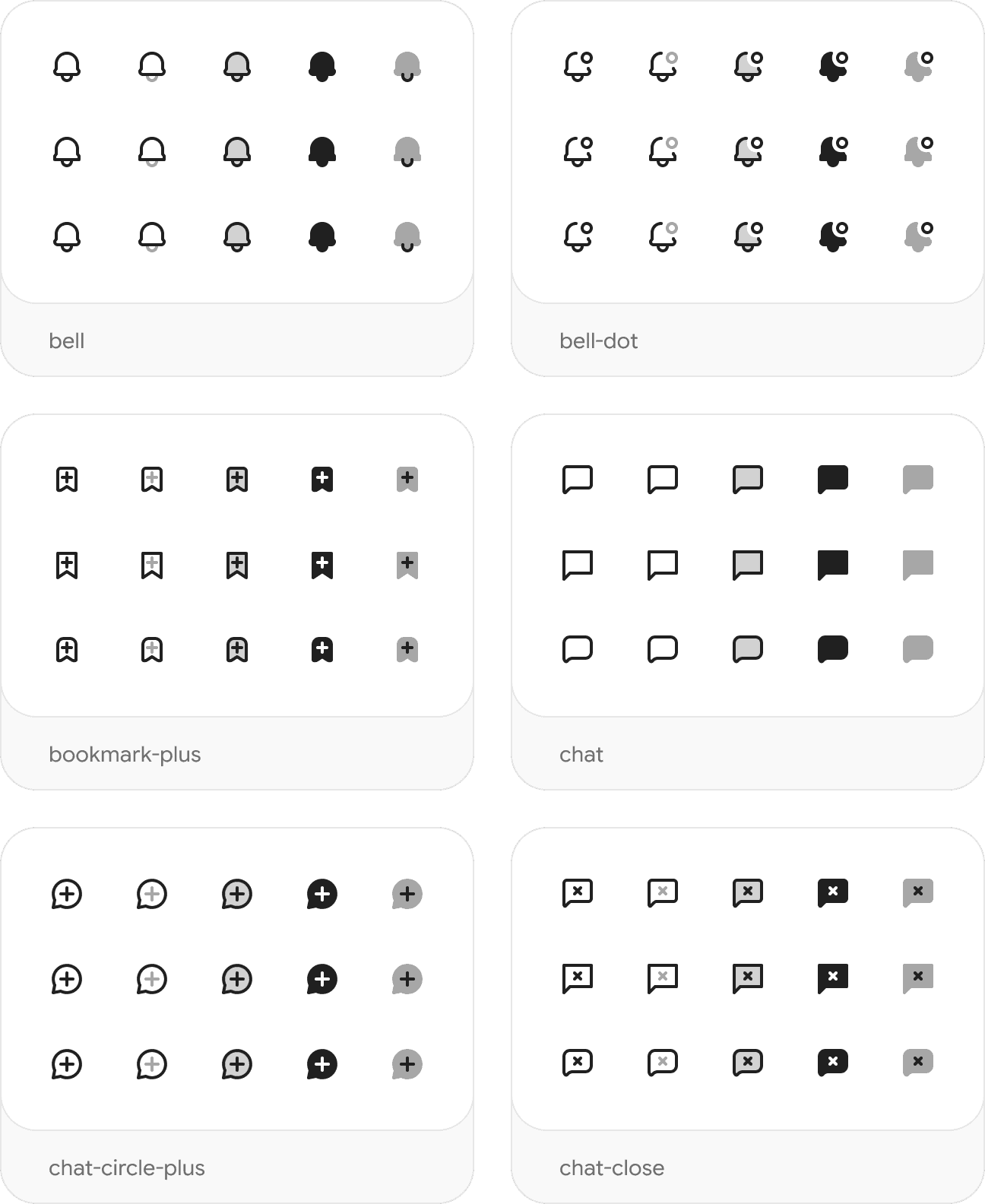
The whole set on Figma Community, ready to use as your library.
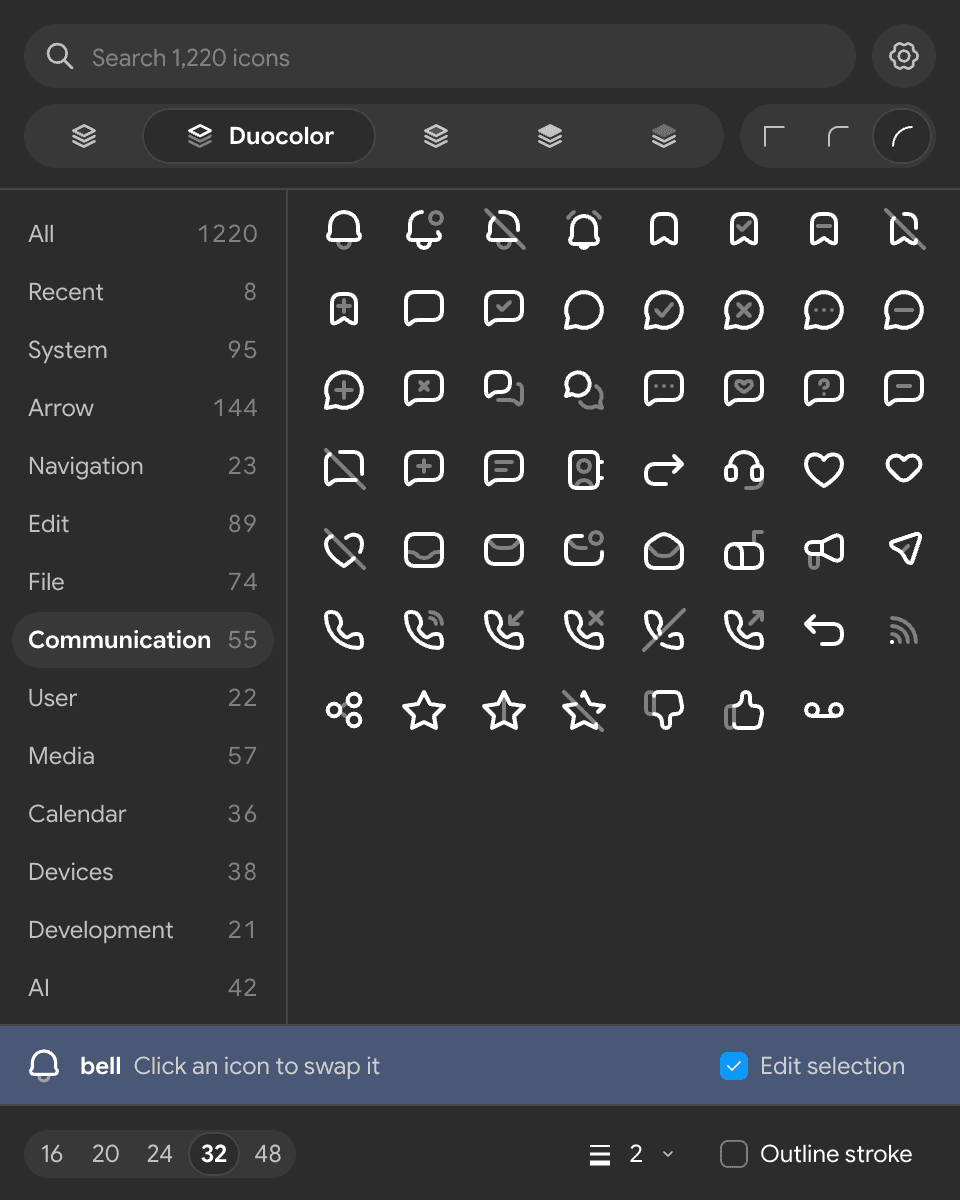
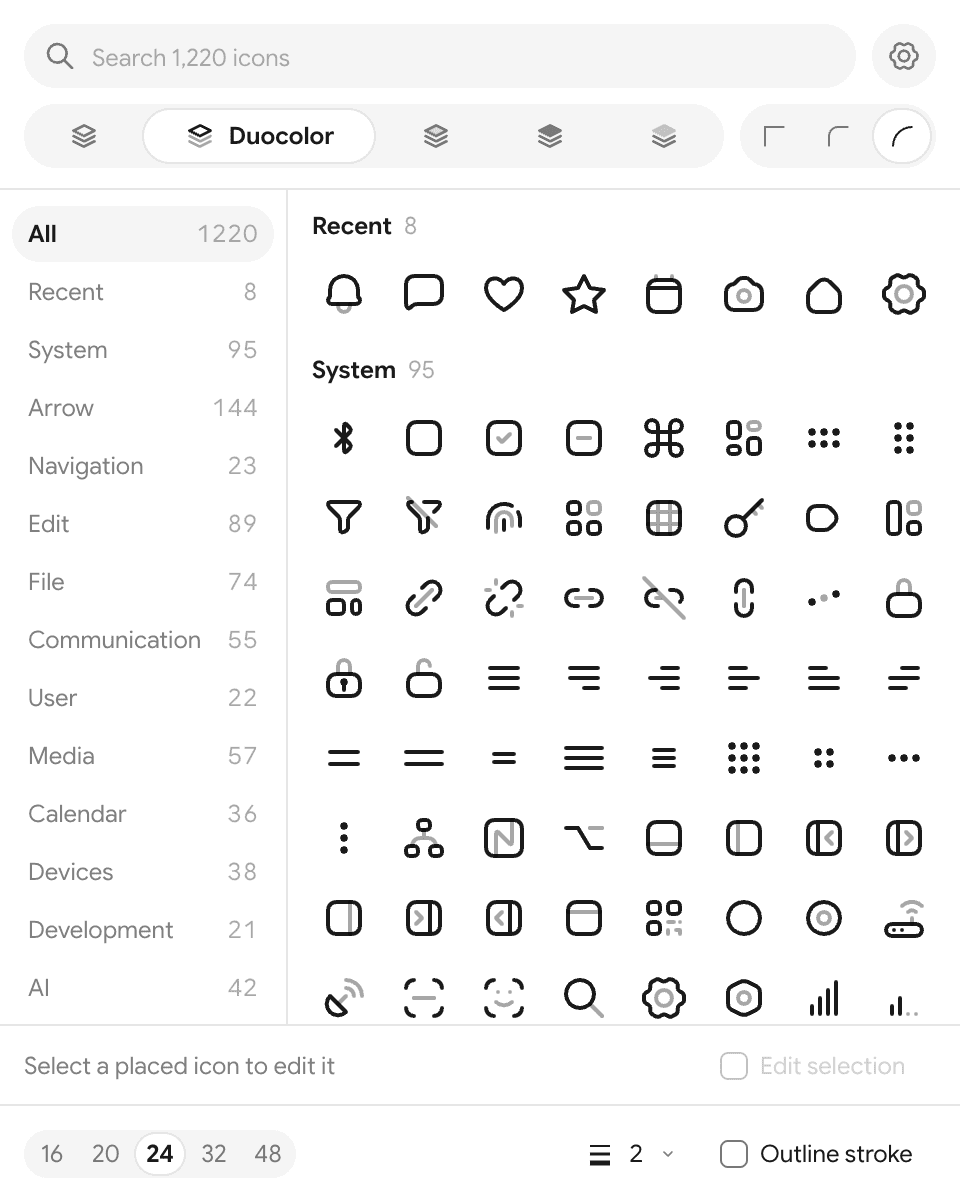
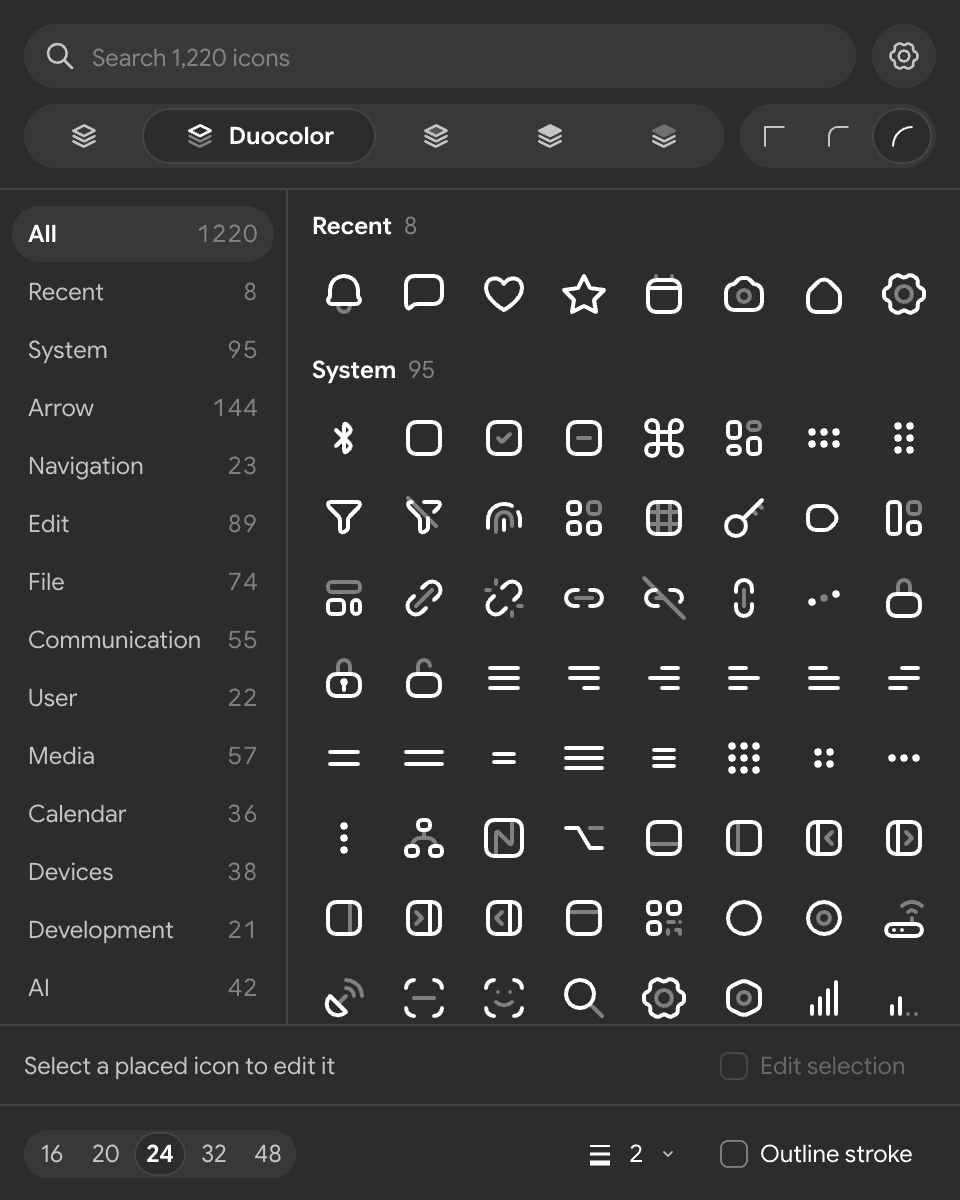
Pick a style and corners, then click or drag. Select icons you placed earlier to change them, their color stays.
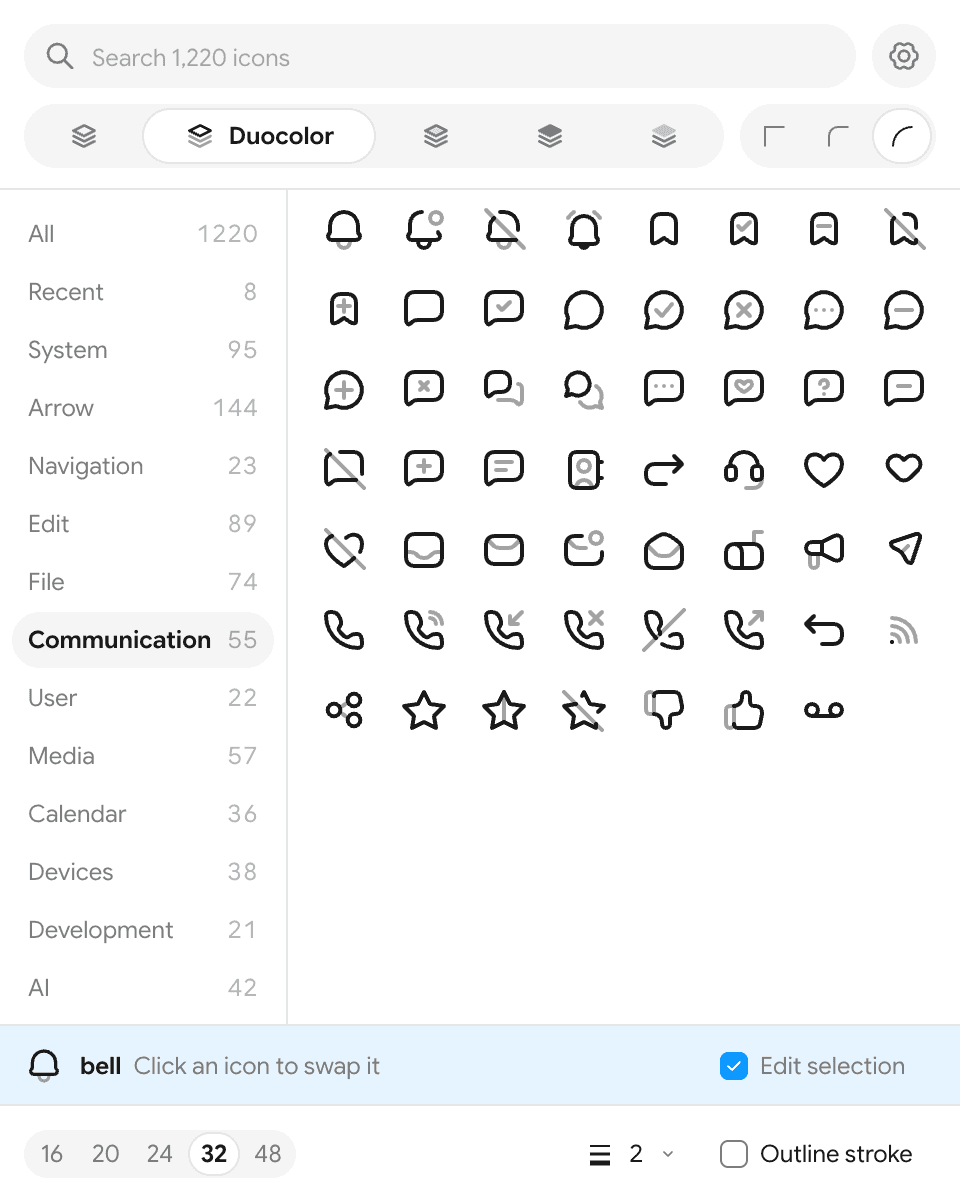
Click to place an icon next to your selection, or drag it into any frame. Auto layout included.
Select placed icons and change the icon, style, corners or size. Color and variables stay.
Press ⌘ / and type coolicons with an icon name. Enter places it.
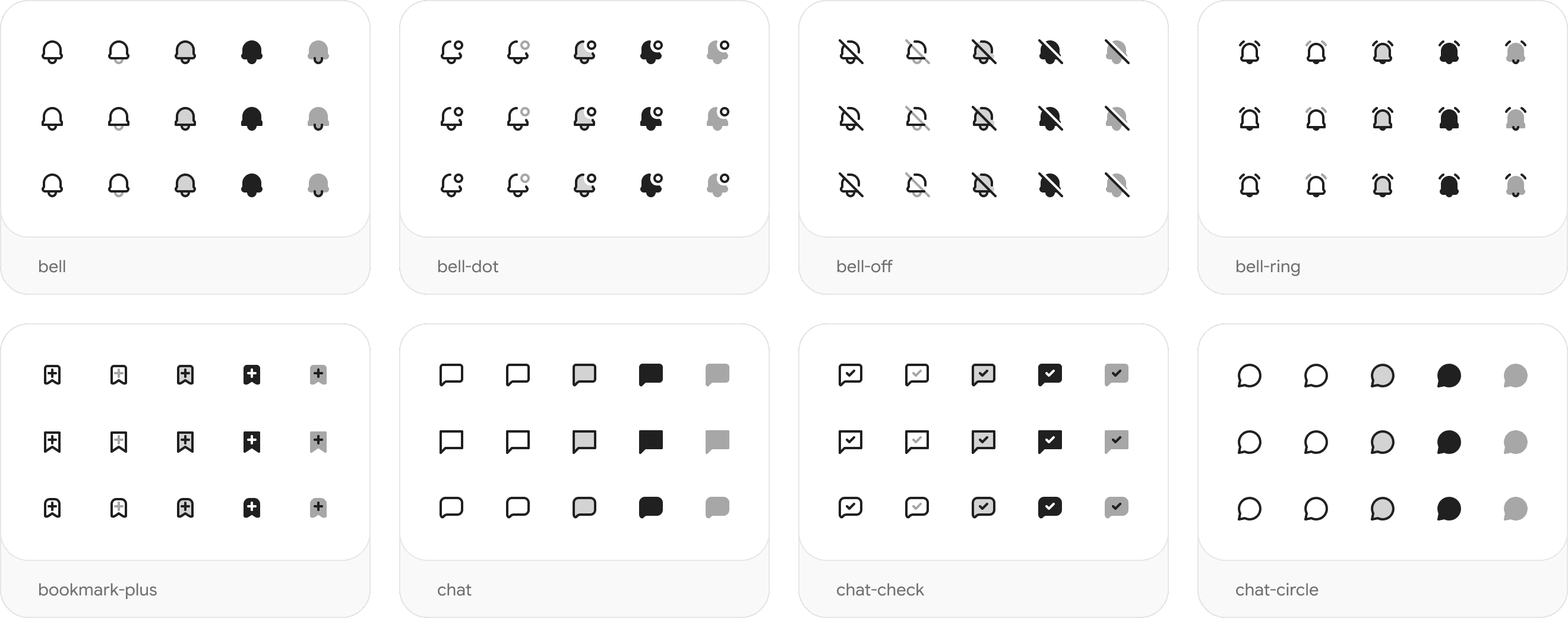
Where coolicons started in 2018. Duplicate the file from Figma Community and copy the icons you need into your designs.
Anything else? Ask on GitHub.
Open the library, pick a style and corners, use Copy SVG on any icon and paste it into Figma. It arrives as editable vectors.